How this works
One folder in, six steps, four documents out. Every step is below, what it is for and what to do on it, with a picture of the screen you will be looking at. The same words sit under each step as you go, so you never have to come back here.
The shape of it
Four moves. Everything else is detail.
Your pitch package
These four documents are what a funder expects, and the whole application is about them.
Home, and the six steps
Home always brings you back. Go to any step, in any order, as often as you like. Do your folder second: everything after it gets easier because of it.
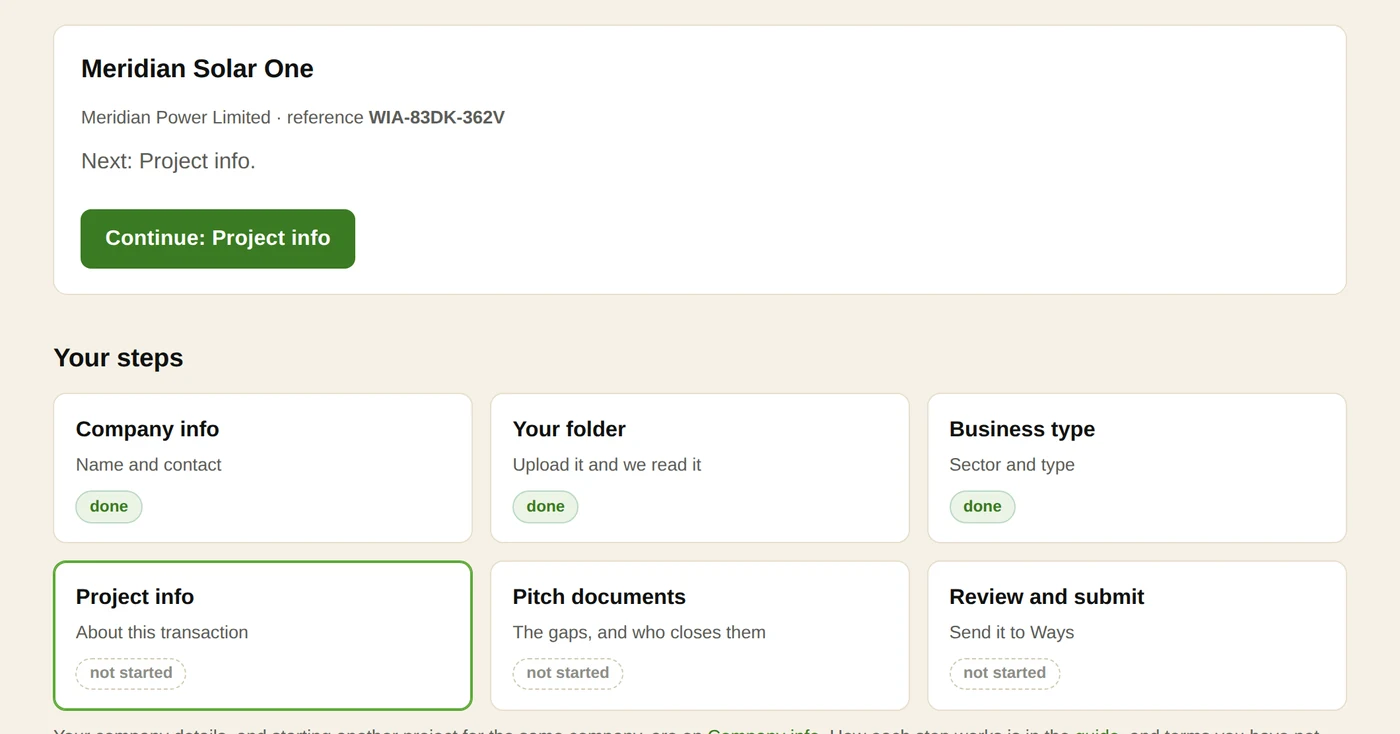
- You need an email address you can open now, one project, and whatever files you already have. No account and no password.
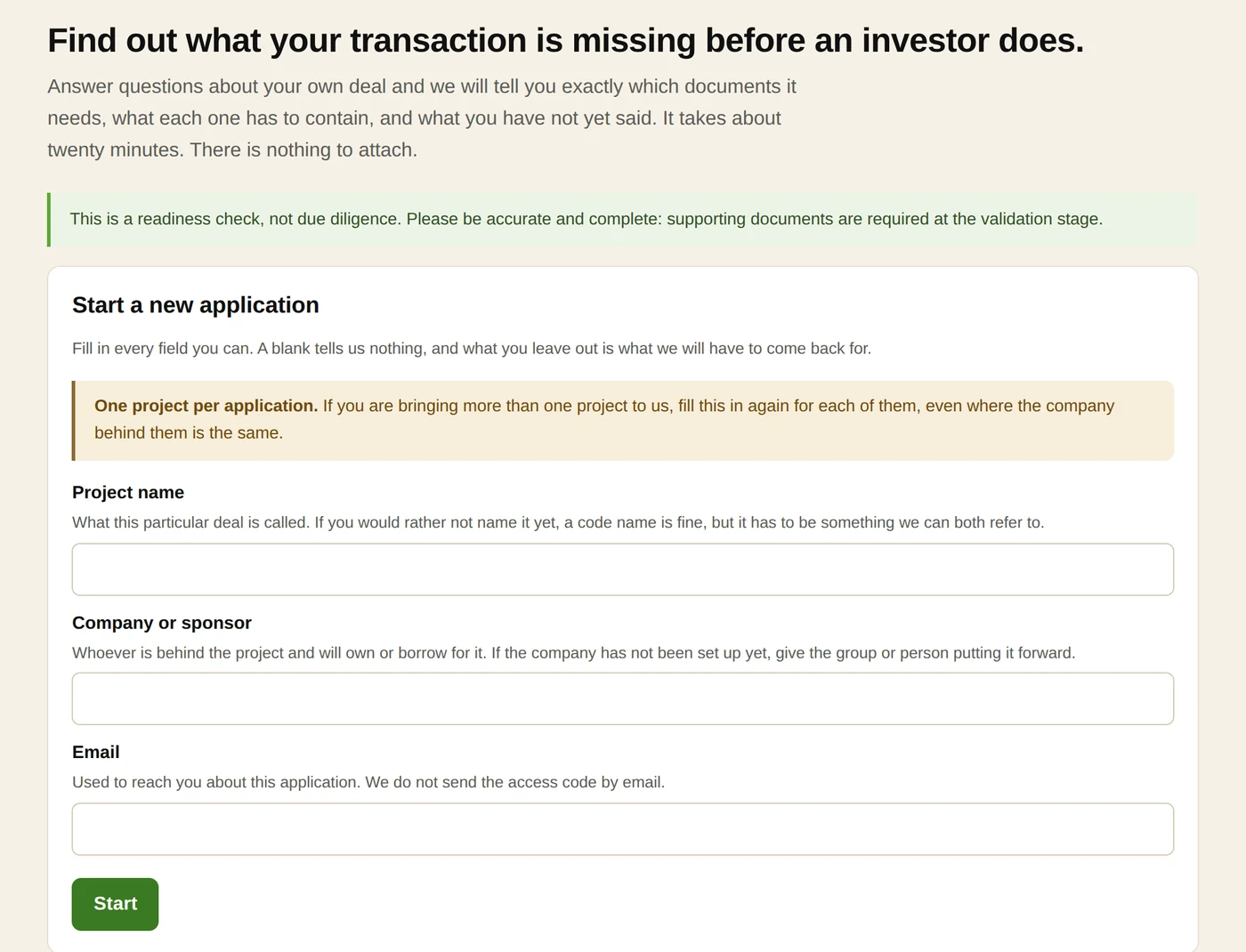
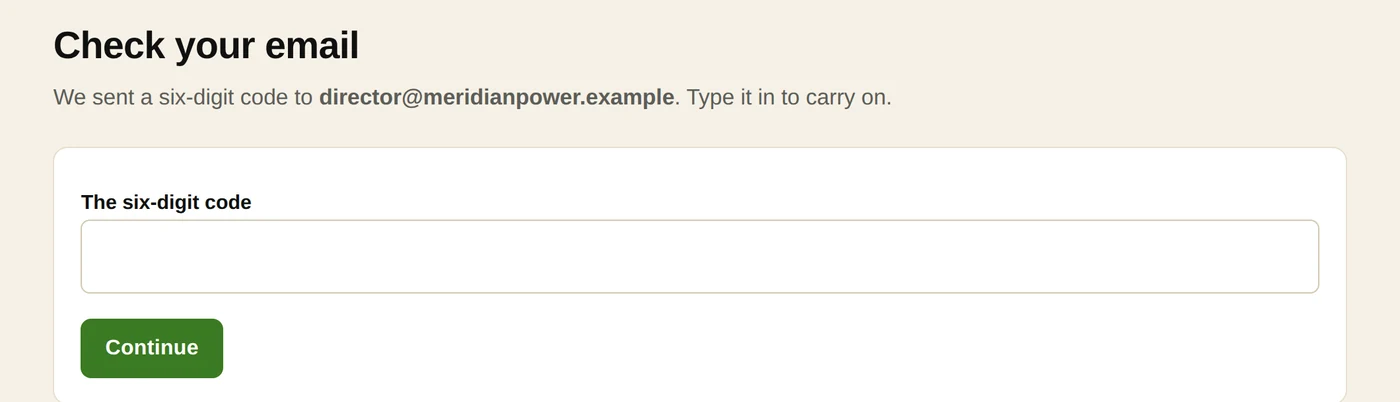
- Fill in the project name, the company name and your email, then press the button. We email you a six digit code and nothing opens until you type it back.
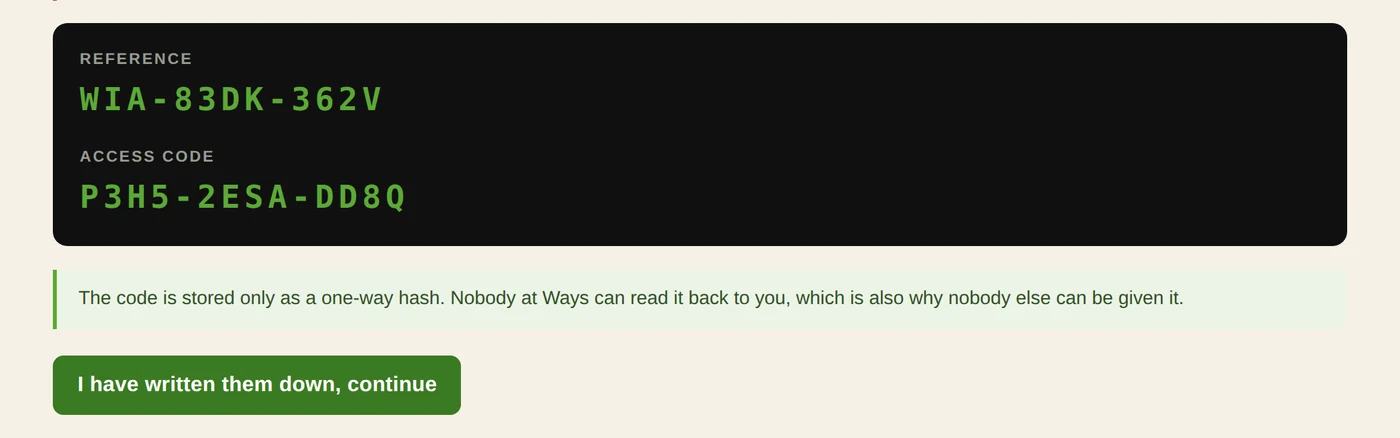
- The next screen shows a reference and an access code. Write them down. They are shown once, they are how you get back in, and nobody here can read them back to you.
- One application is one project. A second project for the same company is simply started again from this page, and gets its own reference.
- Your project name, your company name, your email and your reference. The two names can be changed here.
- Your email address is shown and cannot be changed. It is what proved this application is yours and what your folder was shared to. If it is wrong, tell us rather than starting again.
- Start another project is for a second transaction at the same company. It gives you a new reference and does not touch this one.
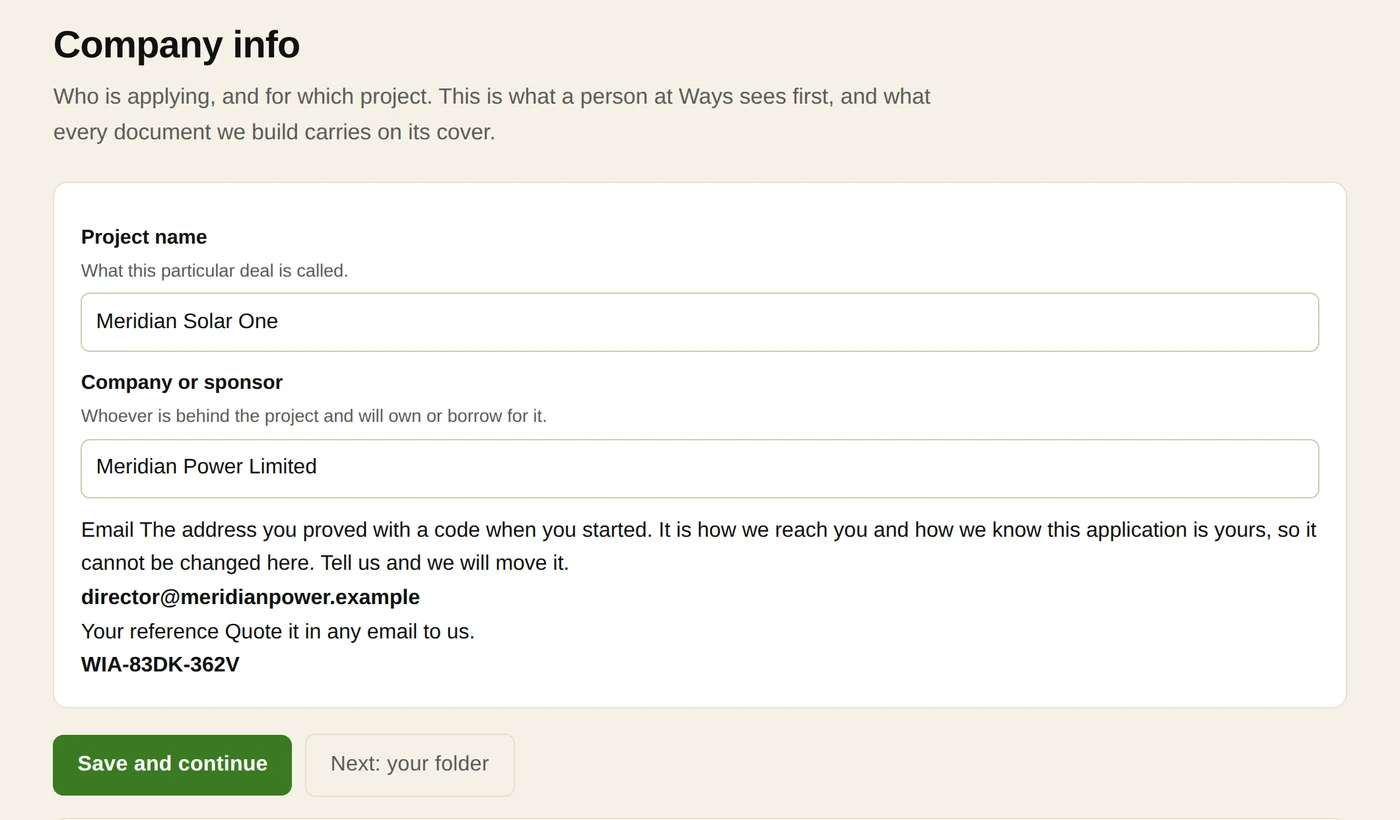
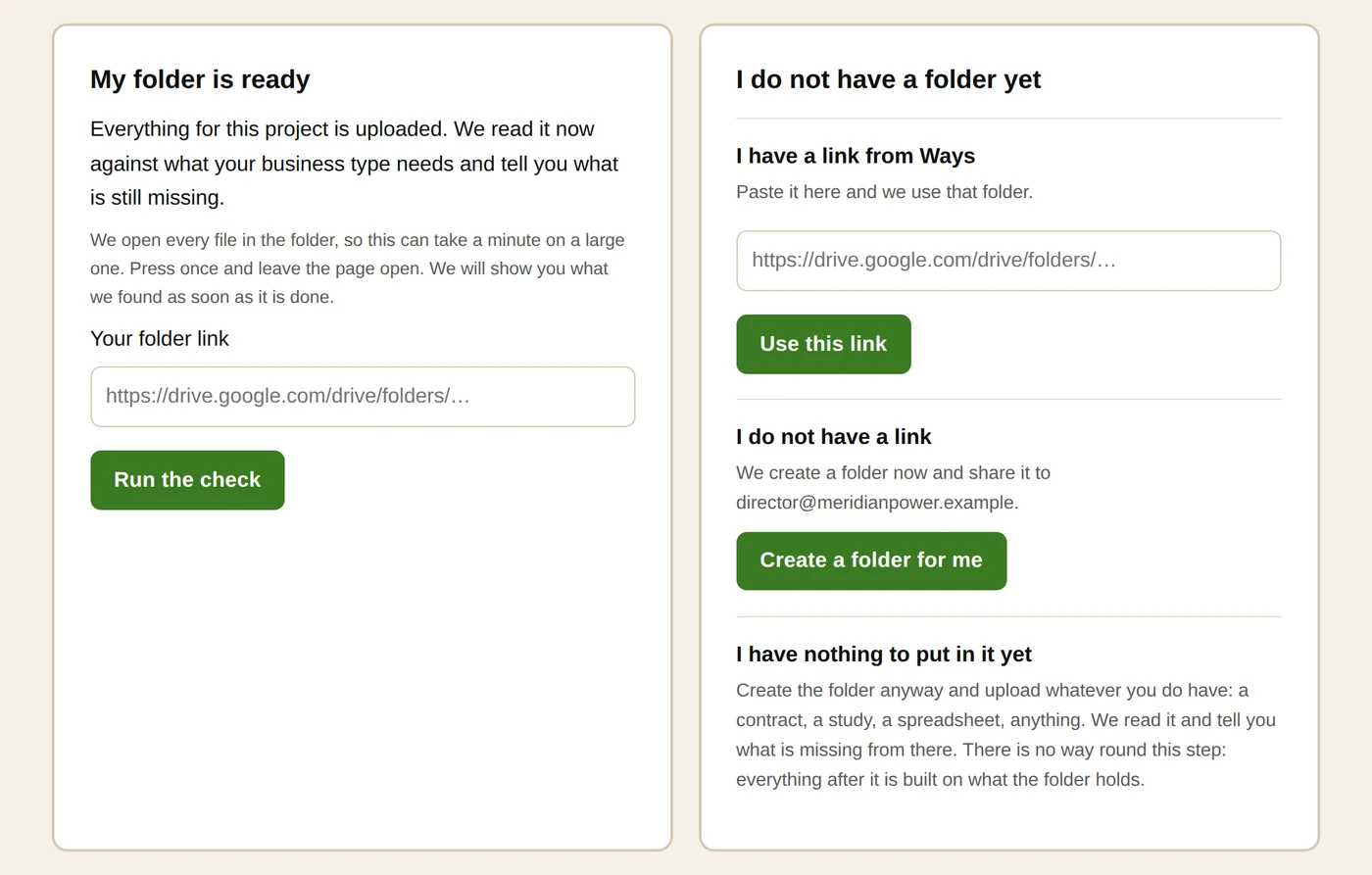
- One folder in Google Drive with everything you have about this project. We read it. We never change it.
- No link yet? Press Create a folder for me and we make one and share it to your email. You do not need a Google account to upload into it.
- Put in whatever you have, however rough. A contract, a study, a spreadsheet, a deck. Anything at all is more useful than nothing, and this step is what everything after it is built on.
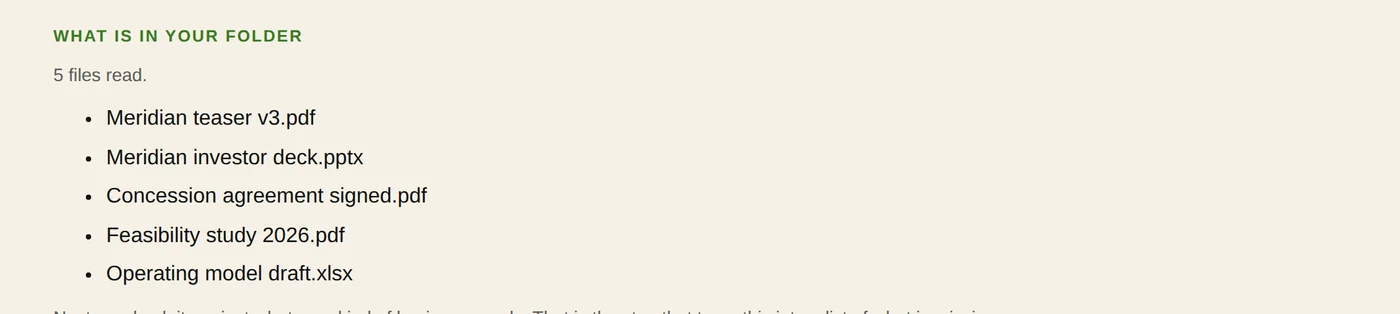
- Then press Run the check. On a large folder it takes a few minutes and it keeps going while you wait; the page refreshes itself. When it is done it lists every file we read, and names any we could not open, which is about us and not about your file.
- Run the check again whenever you add something. Nothing you have already answered is lost by running it again.
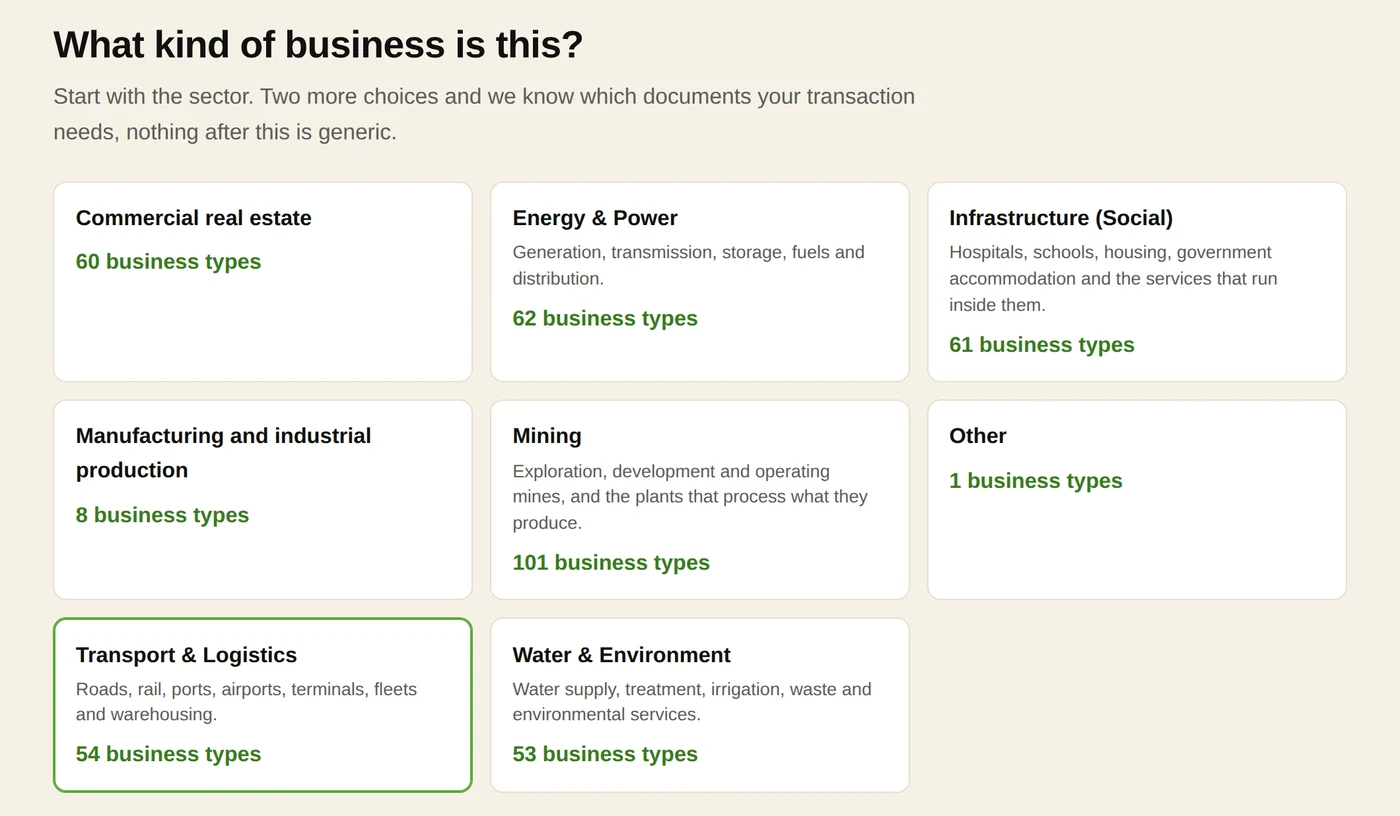
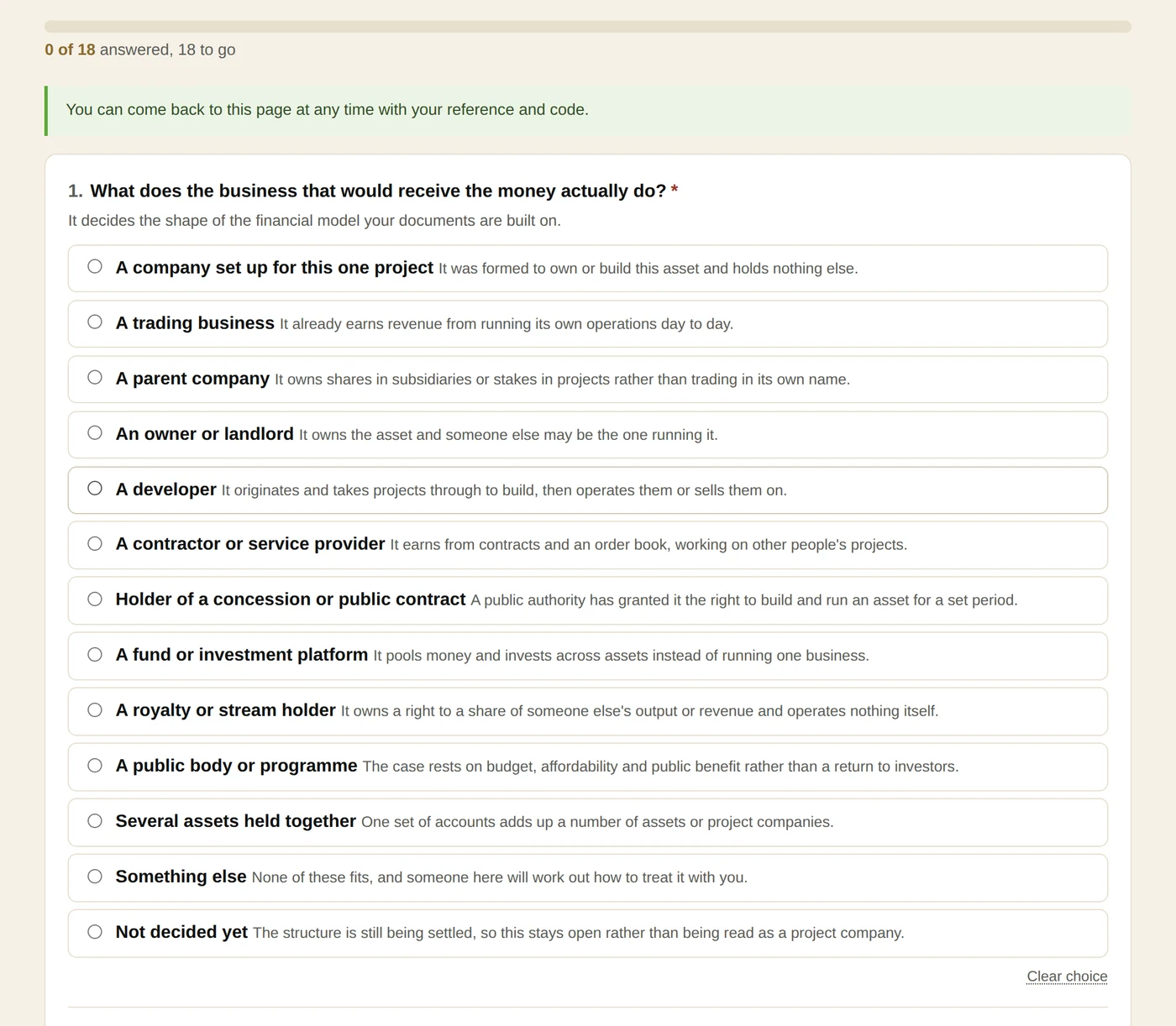
- This one answer selects everything that follows: every requirement, every question, and the shape of the financial model. It is the most important click in the application.
- We suggest a shortlist from the words in your own files, and we show you the words we matched and the file they came from, so you can judge whether our guess is worth anything.
- Nothing is ticked in advance and we never choose for you. The full list is on the same screen underneath, by sector and industry. If our shortlist is wrong, ignore it.
- Pick the one that describes what you do, not what you own. If two look close, pick either. You can change it later, and if an answer no longer applies to the new type we tell you which.
- About twenty questions on this transaction: how it earns, who the parties are, where it is, what stage it is at, what currency.
- Where your folder answered a question on its face we have filled that answer in, and each one shows the file and the line it came from. It is our reading, not your statement, until you save it.
- Nothing is recorded until you press Save. Read what we filled in, change anything wrong, then save.
- A question marked with a star has to be answered before you can submit. The rest can wait.
- The counter under the heading counts what is on the screen in front of you, which is why it moves as you type.
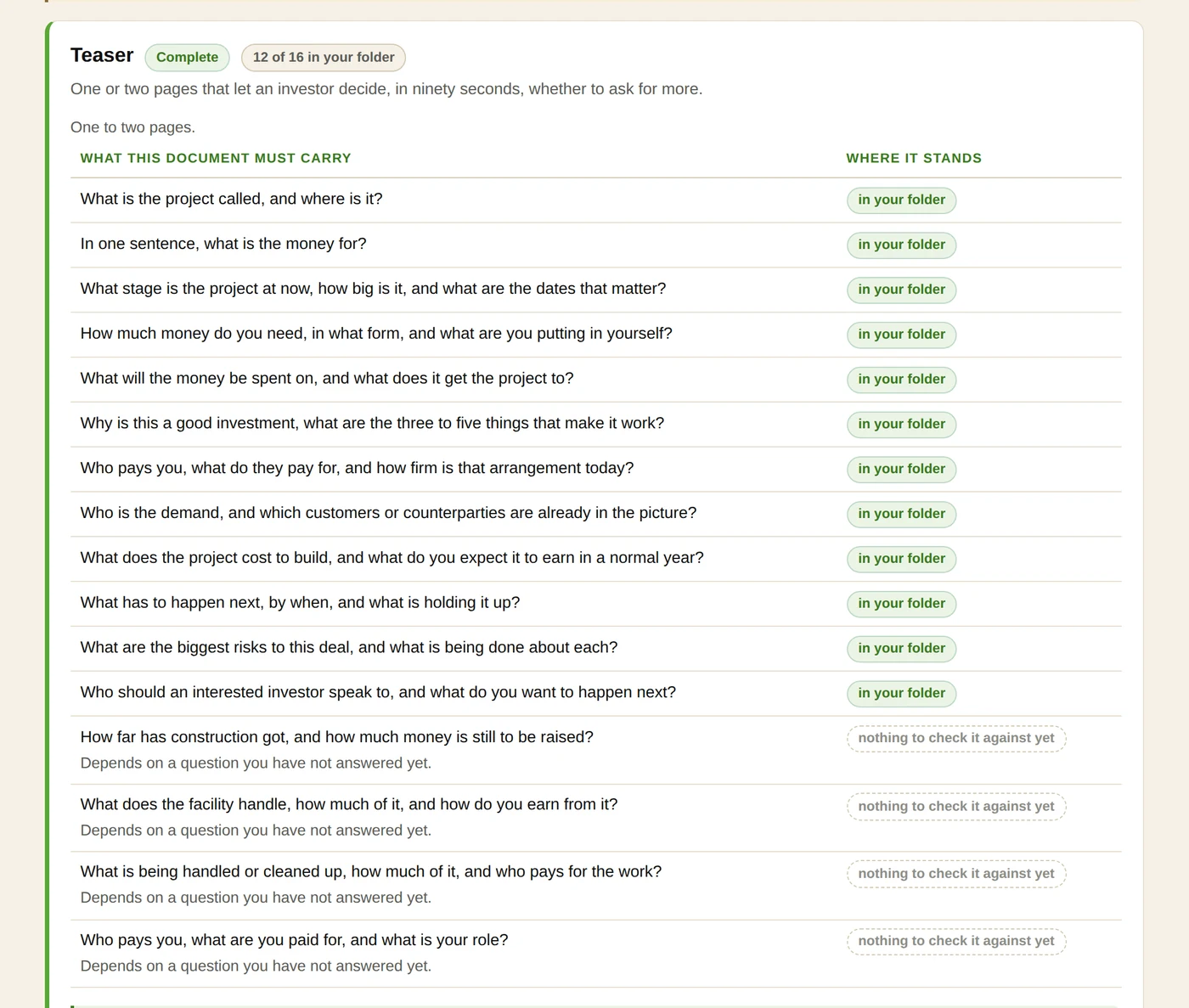
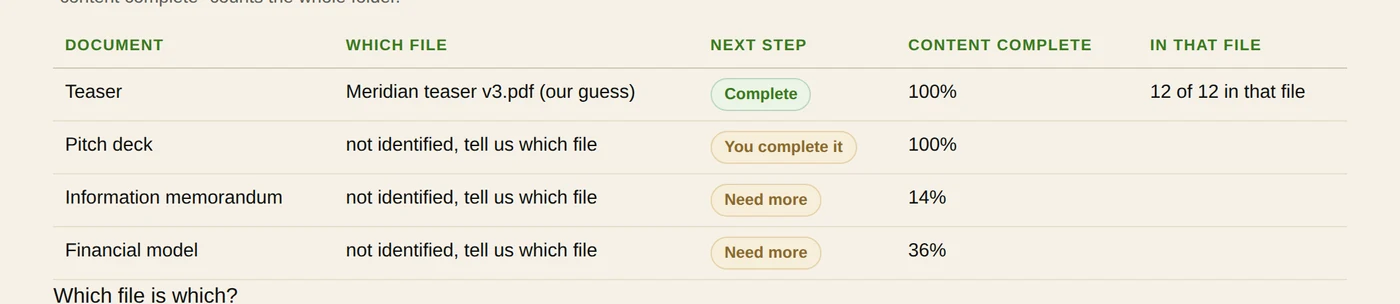
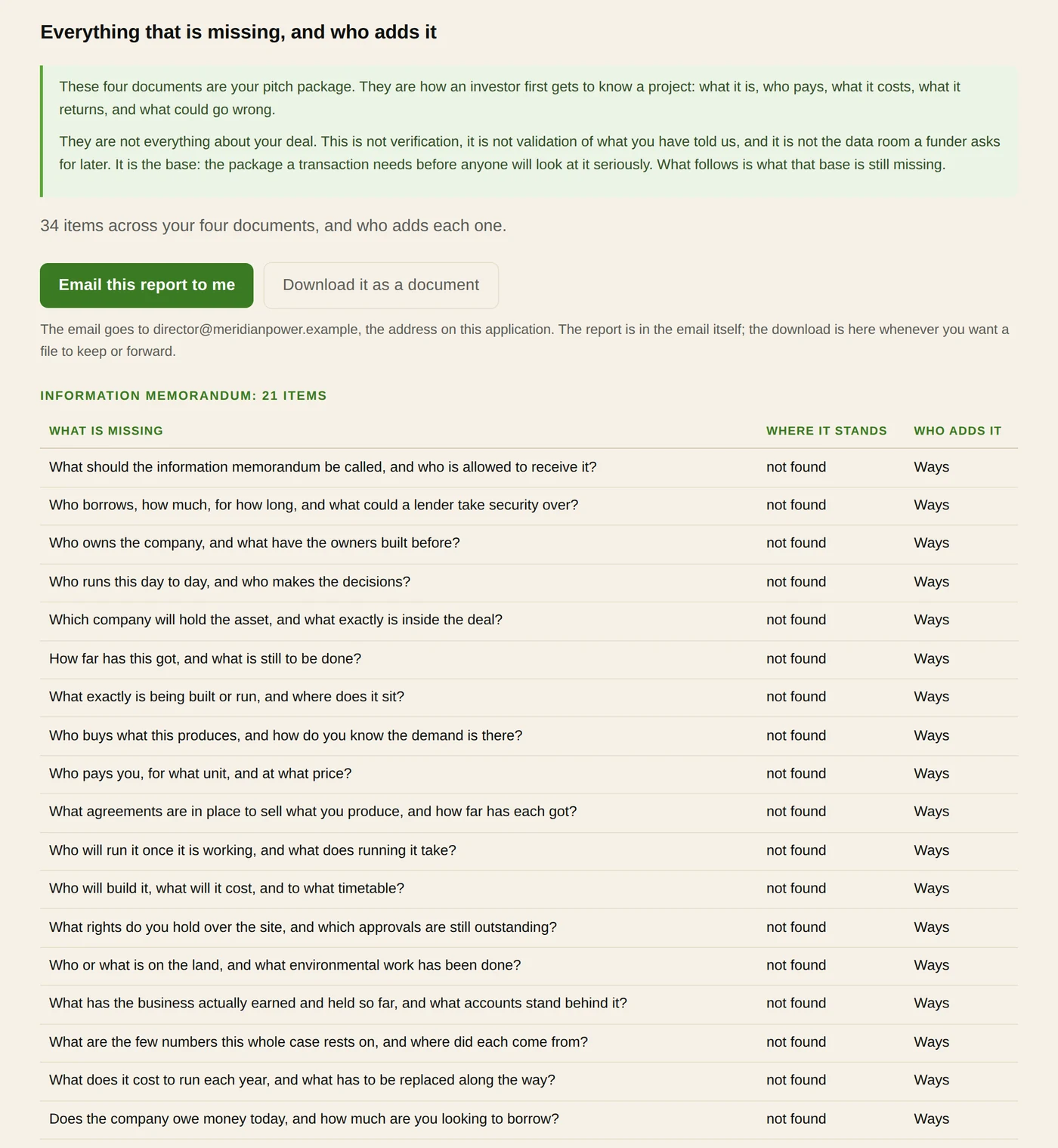
- This is the page the whole application is for, and it has four parts in order.
- First, where each of the four documents stands and which file we took for it. If we guessed wrong, change it in the drop down and press the button; one press saves it and reads your folder again.
- Second, under each document, every single thing it must carry, not only what is missing. Each line says where it stands, and where a line is only partly there the missing parts are named in words.
- Two of the states are about us rather than about you: not checked means we have not built that check yet, and ours means Ways fills it in and you are never asked for it.
- Third, one question under each document: who adds what is missing. You write it and upload it again, or Ways writes it and asks you for the figures we cannot get from your folder. You are never asked whether you have a document; our read answers that.
- Fourth, once all four are answered, the full list of everything missing, with an offer to email it to you, and a form for each document you asked us to write.

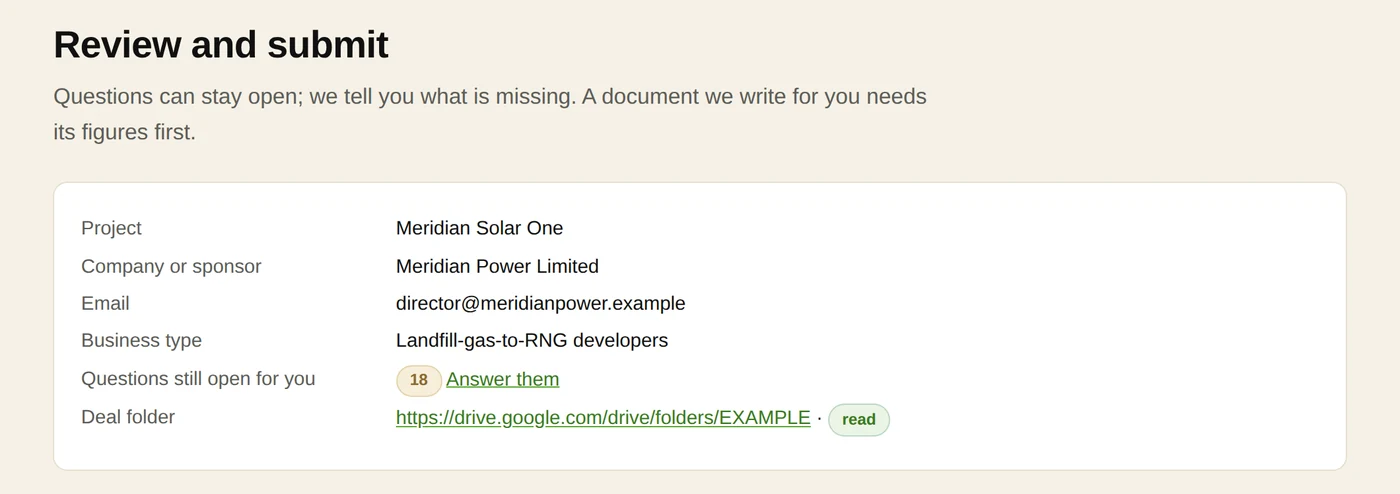
- Everything in one place before anything is sent: where each document stands, every answer you gave, who adds what, and your folder.
- If something is wrong, the step it came from is one click away.
- If a required figure is still blank there is no Submit button. The page names the form and gives you one button to it. That is the only thing that stops you.
- Submitting does not lock anything. Your folder stays live, you can keep working, and you can submit again. We see every submission.
What the labels mean
On the pitch documents step, every single thing each document must carry is listed, and each line carries one of these.
Filling in a form
The same rules on every form, every time.
- Money is typed in whole units. Type 42000000, not 42 million. The separators appear as you type and a letter in a number box is refused.
- A currency is always picked from a list, never typed.
- Anything that can be worked out is worked out for you as you type. Do not type a total or a gross profit; what you type there is ignored.
- A list of things with amounts is a table, with its total at the bottom.
- Where there is a set of answers to choose from, there is always an honest not sure. Use it. It is a real answer and better than a guess.
- Save goes forward, to the next form that still needs something, and after the last one to the next step.
Words we use
Any term on these pages that is not everyday English is in the glossary, reachable from the top of every page.
